


Googles ලාගෙ හොදම product 30(Top 30 Powerful Google Products)
Top 30 Powerful Google Products You Need To Know

1. Google Webmaster Tools:

Google Webmaster Tools provides you with detailed reports about your pages’ visibility on Google search results. To get started, simply add and verify your site and you’ll start to see information right away. Improve your site’s visibility in Google search results. It’s free.
Main Features:
2. Google Analytics:
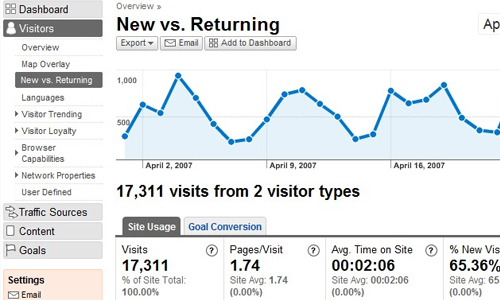
Google Analytics is the enterprise-class web analytics solution that gives you rich insights into your website traffic and marketing effectiveness. Powerful, flexible and easy-to-use features now let you see and analyze your traffic data in an entirely new way. With Google Analytics, you’re more prepared to write better-targeted ads, strengthen your marketing initiatives and create higher converting websites.
Main Features:
3. Google Website Optimizer:
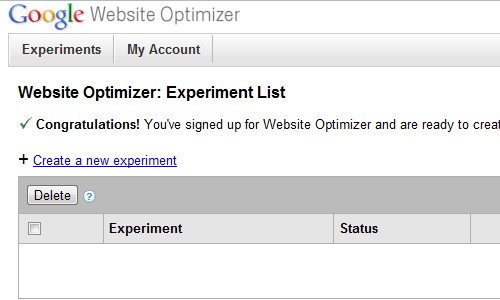
Website Optimizer, Google’s free website testing and optimization tool, allows you to increase the value of your existing websites and traffic without spending a cent. Using Website Optimizer to test and optimize site content and design, you can quickly and easily increase revenue and ROI whether you’re new to marketing or an expert.
Main Features:
4. Google Zeitgeist:
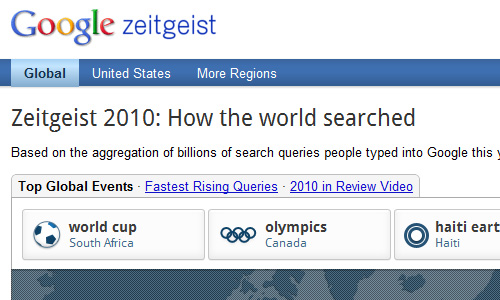
Google Zeitgeist is a snapshot in time of what people are searching for on Google all over the world. It’s an interesting way to people-watch, and since Google is the most-used search engine on the Web, it’s a great way to get some behind the scenes (kind of) data and statistics on what people are searching for. The whole layout is very flexible and easy to use!
Main Features:
5. Google Trends:
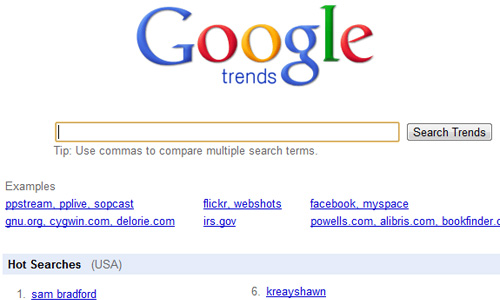
Google trends allows you to see how often a particular search-term is entered relative to the total search-volume across various regions of the world, and in various languages.
Url: www.google.com/trends
6. Google Insights for Search:
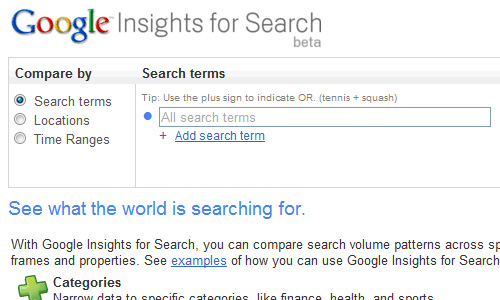
Very similar to Google trends, Google Insights for Search, allows you to compare search volume patterns across specific regions, categories, time frames and properties.
Main Features:
7. Google Traffic Estimator:
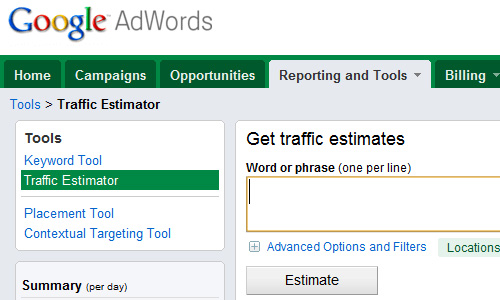
Google’s Traffic Estimator tool is a good way to get an idea of how much a new campaign is likely to spend once it is launched. The competition for certain keywords is fierce, and if it’s in high demand, be ready to dish out some cash.
Url: https://adwords.google.com/select/TrafficEstimatorSandbox
8. Google Keyword Tool:

Enter one keyword or phrase per line to see what related word searches your ad will show on. You can see how many times it’s searched for daily, monthly, or yearly. Plus you can see what countries the keyword is common in. So if you have an article related to World Cup while it’s going on, you are bound to get some traffic if you know your SEO.
Url: https://adwords.google.com/select/KeywordToolExternal
9. Google Ad Planner:

Official Ad Planner Help Center where you can find tips and tutorials on using Ad Planner and other answers to frequently asked questions.
Main Features:
10. Google bookmarking:

Access your Bookmarks on any computer, and use Lists to share them with friends. If you love saving things you find on the web, then this is a great tool for you. You can organize the content you find easily and refer back to in anytime!
Main Features:
11. Google readers:
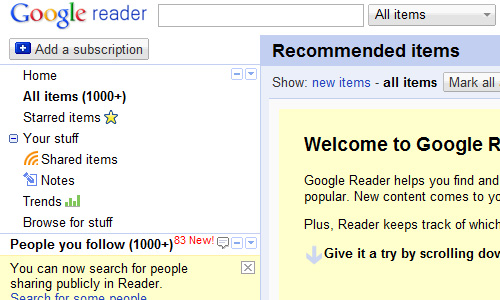
Read them in one place with Google Reader, where keeping up with your favorite websites is as easy as checking your email.
Url: www.google.com/reader
12. Google alerts:
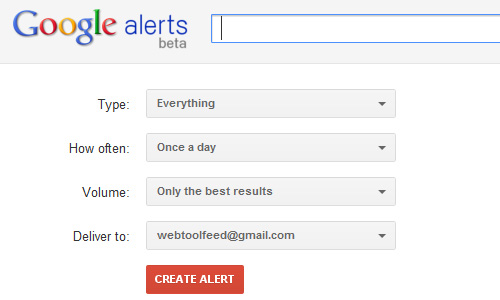
Google Alerts are email updates of the latest relevant Google results (web, news, etc.) based on your choice of query or topic. Enter the topic you wish to monitor, then click preview to see the type of results you’ll receive.
Main Features:
13. Google news:

Aggregated headlines and a search engine of many of the world’s news sources. Very straight forward interface that can be personalized to your liking.
Url: http://news.google.com/
14. Google buzz:

Start conversations about the things you find interesting. Share updates, photos, videos and more with your friends.
Main features:
15. Google profile:

Decide what the world sees when it searches for you. Display the information you care about and make it easy for visitors to get to know you.
Main Features:
16. Google places:
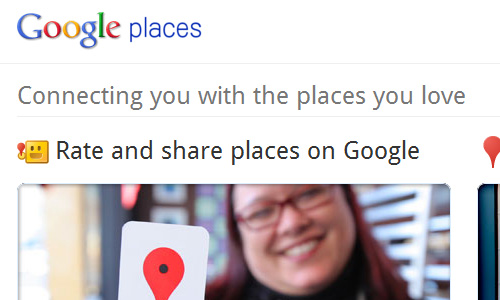
Google Places for Business to get your business found on local search results on both Google Search and Google Maps.
Features for Places:
17. Google +1 button:

The +1 buttonis shorthand for “this is pretty cool” or “you should check this out.” Click +1 to publicly give something your stamp of approval. This is basically Google’s answer to Facebook’s Like button. The next time your friends and contacts search on Google, they could see your +1. You’ll help them find the best stuff on the web – and you might just start up another conversation!
Url: www.google.com/+1/button
18. Google Correlate:

Google Correlate finds search patterns which correspond with real-world trends. Many search terms vary in popularity over time. To find terms that vary in a similar way to your own time series, enter your desired data using the search box.
Main features:
19. Google website speed check:
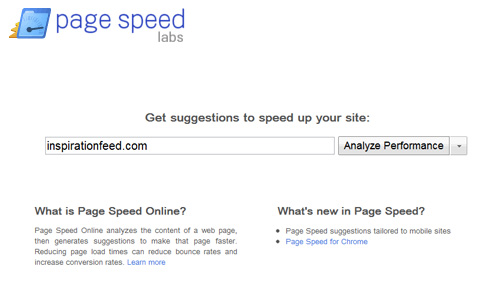
Page Speed Online analyzes the content of a web page, then generates suggestions to make that page faster. Reducing page load times can reduce bounce rates and increase conversion rates. We got an overall score of 82/100!
Url: http://pagespeed.googlelabs.com/
20. Google url shorter:

Google URL Shortener at goo.gl is used by Google products to create short URLs that can be easily shared, tweeted, or emailed to friends. This is Google’s answer to bit.ly, we use this quite frequently on Inspirationfeed!
Url: http://goo.gl
21. Feed Burner:
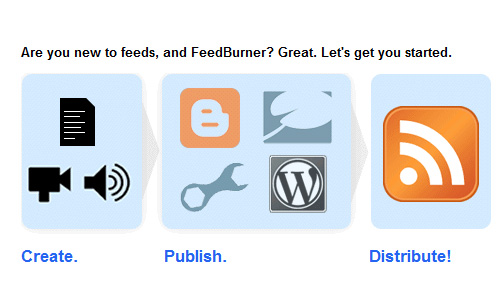
FeedBurner is provides media distribution and audience engagement services for blogs and RSS feed. Feeds are a way for websites large and small to distribute their content well beyond just visitors using browsers. Feeds permit subscription to regular updates, delivered automatically via a web portal, news reader, or in some cases good old email.
Url: http://feedburner.google.com
22. Blogger
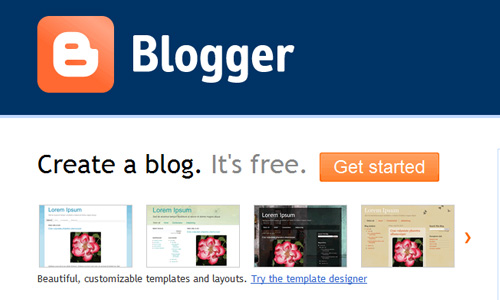
Just like the introduction suggests, Blogger is a platform where you can create a blog free of charge. This is a competitive service that goes against other bloggin platforms like WordPress, Tumbr, and LiveJournal.
Main Features:
23. Google Voice

Google Voice enhances the existing capabilities of your phone, regardless of which phone or carrier you have – for free. This tool gives you lots of cool calling features. For example, if someone call your goolg phone number you can have it ring all of your phones. You can also block an unwanted callers easily! The platform keeps getting new cool features.
Main Features:
Top 30 Powerful Google Products You Need To Know
1. Google Webmaster Tools:

Google Webmaster Tools provides you with detailed reports about your pages’ visibility on Google search results. To get started, simply add and verify your site and you’ll start to see information right away. Improve your site’s visibility in Google search results. It’s free.
Main Features:
- Get Google’s view of your site and diagnose problems
- Discover your link and query traffic
- Share information about your site
2. Google Analytics:

Google Analytics is the enterprise-class web analytics solution that gives you rich insights into your website traffic and marketing effectiveness. Powerful, flexible and easy-to-use features now let you see and analyze your traffic data in an entirely new way. With Google Analytics, you’re more prepared to write better-targeted ads, strengthen your marketing initiatives and create higher converting websites.
Main Features:
- Sharing and Communicating
- Advertising ROI
- Visualizing Data
- Customized Reporting
- Cross Channel and Multimedia Tracking
- Google Integration and Reliability
3. Google Website Optimizer:

Website Optimizer, Google’s free website testing and optimization tool, allows you to increase the value of your existing websites and traffic without spending a cent. Using Website Optimizer to test and optimize site content and design, you can quickly and easily increase revenue and ROI whether you’re new to marketing or an expert.
Main Features:
- Free web application
- A/B Split & Multivariable Testing
- Designed For Marketers, By Marketers
- Intuitive Reporting
- AdWords Integration
- Experiment Pruning
4. Google Zeitgeist:

Google Zeitgeist is a snapshot in time of what people are searching for on Google all over the world. It’s an interesting way to people-watch, and since Google is the most-used search engine on the Web, it’s a great way to get some behind the scenes (kind of) data and statistics on what people are searching for. The whole layout is very flexible and easy to use!
Main Features:
- Top Global Events
- Fastest Rising Queries
- Search by Region
5. Google Trends:

Google trends allows you to see how often a particular search-term is entered relative to the total search-volume across various regions of the world, and in various languages.
Url: www.google.com/trends
6. Google Insights for Search:

Very similar to Google trends, Google Insights for Search, allows you to compare search volume patterns across specific regions, categories, time frames and properties.
Main Features:
- Categories
- Seasonality
- Geographic distribution
- Properties
7. Google Traffic Estimator:

Google’s Traffic Estimator tool is a good way to get an idea of how much a new campaign is likely to spend once it is launched. The competition for certain keywords is fierce, and if it’s in high demand, be ready to dish out some cash.
Url: https://adwords.google.com/select/TrafficEstimatorSandbox
8. Google Keyword Tool:

Enter one keyword or phrase per line to see what related word searches your ad will show on. You can see how many times it’s searched for daily, monthly, or yearly. Plus you can see what countries the keyword is common in. So if you have an article related to World Cup while it’s going on, you are bound to get some traffic if you know your SEO.
Url: https://adwords.google.com/select/KeywordToolExternal
9. Google Ad Planner:

Official Ad Planner Help Center where you can find tips and tutorials on using Ad Planner and other answers to frequently asked questions.
Main Features:
- Define your audience with multiple criteria, including keywords they’re likely to search for and sites they’re likely to visit.
- Use ranking methods to find larger sites, more targeted sites, or a balance of the two.
- Set filters to show only sites in specific categories, sites with ads, ad formats, and more.
- Add sites to a media plan and compare them via an interactive bubble chart.
10. Google bookmarking:

Access your Bookmarks on any computer, and use Lists to share them with friends. If you love saving things you find on the web, then this is a great tool for you. You can organize the content you find easily and refer back to in anytime!
Main Features:
- Save time with quick links to your favorite websites
- Get your bookmarks on any computer
- Keep your bookmarks organized
11. Google readers:

Read them in one place with Google Reader, where keeping up with your favorite websites is as easy as checking your email.
Url: www.google.com/reader
12. Google alerts:

Google Alerts are email updates of the latest relevant Google results (web, news, etc.) based on your choice of query or topic. Enter the topic you wish to monitor, then click preview to see the type of results you’ll receive.
Main Features:
- monitoring a developing news story
- keeping current on a competitor or industry
- getting the latest on a celebrity or event
- keeping tabs on your favorite sports teams
13. Google news:

Aggregated headlines and a search engine of many of the world’s news sources. Very straight forward interface that can be personalized to your liking.
Url: http://news.google.com/
14. Google buzz:

Start conversations about the things you find interesting. Share updates, photos, videos and more with your friends.
Main features:
- Share publicly or privately
- Inbox integration
- Photo friendly
- Connect sites you already use
- See updates in real time
- Just the good stuff
15. Google profile:

Decide what the world sees when it searches for you. Display the information you care about and make it easy for visitors to get to know you.
Main Features:
- Showcase the real you.
- Display your favorite photos.
- Share your personal Information.
16. Google places:

Google Places for Business to get your business found on local search results on both Google Search and Google Maps.
Features for Places:
- Rate and review the places you know
- Share your ratings with friends
- Get new recommendations on your smart phone
- Discover insights about your business
- Help your business stand out
- Get found on Google for free
17. Google +1 button:

The +1 buttonis shorthand for “this is pretty cool” or “you should check this out.” Click +1 to publicly give something your stamp of approval. This is basically Google’s answer to Facebook’s Like button. The next time your friends and contacts search on Google, they could see your +1. You’ll help them find the best stuff on the web – and you might just start up another conversation!
Url: www.google.com/+1/button
18. Google Correlate:

Google Correlate finds search patterns which correspond with real-world trends. Many search terms vary in popularity over time. To find terms that vary in a similar way to your own time series, enter your desired data using the search box.
Main features:
- Find searches that correlate with real-world data
- Compare time series
- Compare US states
19. Google website speed check:

Page Speed Online analyzes the content of a web page, then generates suggestions to make that page faster. Reducing page load times can reduce bounce rates and increase conversion rates. We got an overall score of 82/100!
Url: http://pagespeed.googlelabs.com/
20. Google url shorter:

Google URL Shortener at goo.gl is used by Google products to create short URLs that can be easily shared, tweeted, or emailed to friends. This is Google’s answer to bit.ly, we use this quite frequently on Inspirationfeed!
Url: http://goo.gl
21. Feed Burner:

FeedBurner is provides media distribution and audience engagement services for blogs and RSS feed. Feeds are a way for websites large and small to distribute their content well beyond just visitors using browsers. Feeds permit subscription to regular updates, delivered automatically via a web portal, news reader, or in some cases good old email.
Url: http://feedburner.google.com
22. Blogger

Just like the introduction suggests, Blogger is a platform where you can create a blog free of charge. This is a competitive service that goes against other bloggin platforms like WordPress, Tumbr, and LiveJournal.
Main Features:
- Up to the minute stats
- Make money with Adsense
- Custom Themes
- Free to use
- Create as many blogs as you wish
23. Google Voice

Google Voice enhances the existing capabilities of your phone, regardless of which phone or carrier you have – for free. This tool gives you lots of cool calling features. For example, if someone call your goolg phone number you can have it ring all of your phones. You can also block an unwanted callers easily! The platform keeps getting new cool features.
Main Features:
- Use a single number that rings you anywhere
- Get transcribed messages delivered to your inbox
- Free calls & text messages to the U.S. & Canada
- Super low rates everywhere else
Last edited:




 rep 2+
 Thanks!


